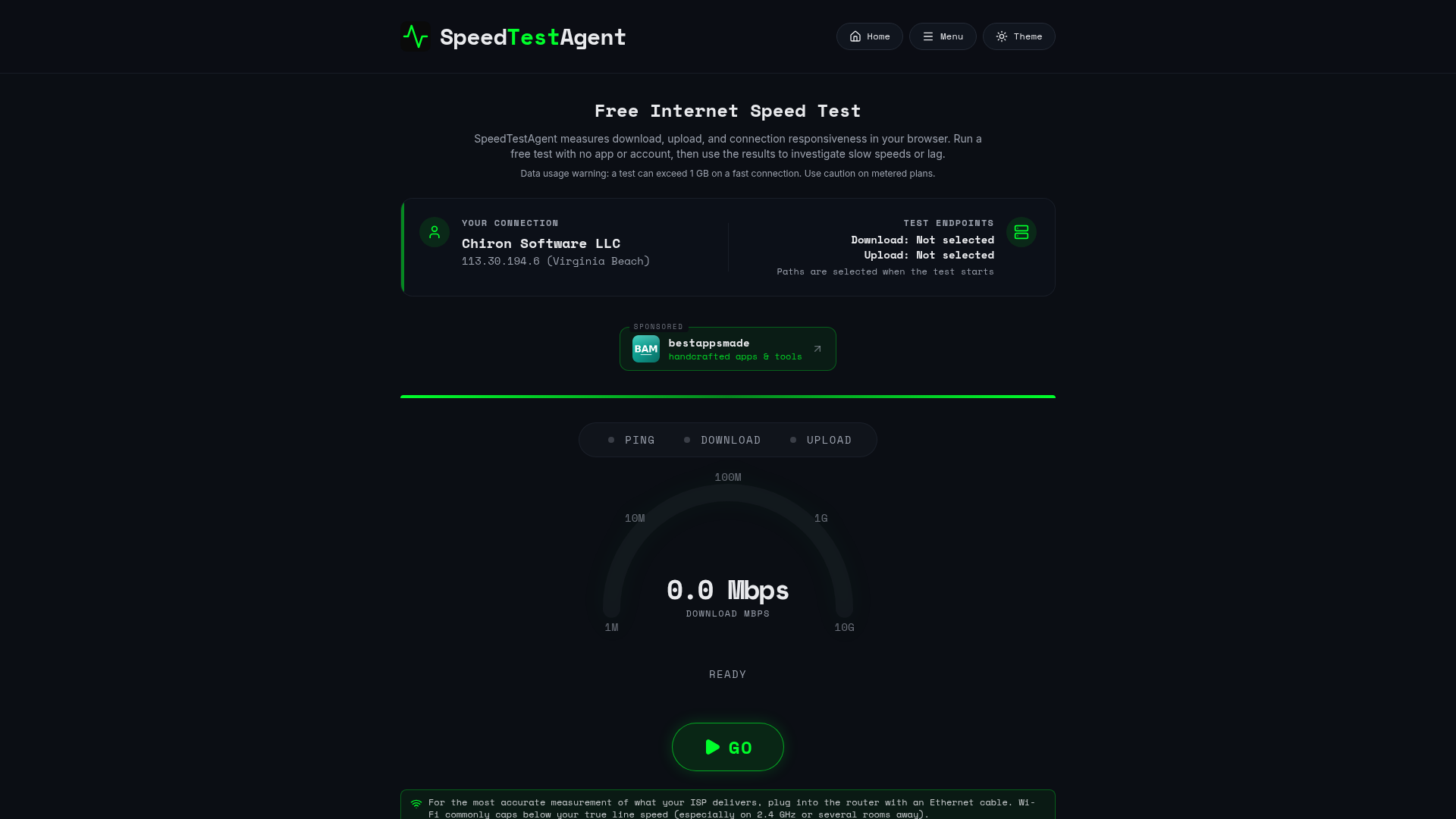
SpeedTestAgent: understand more than download speed
A fast download number does not explain every slow call or laggy session. SpeedTestAgent is a free browser-based internet speed test that helps you compare throughput and connection responsiveness.
FREE · Open SpeedTestAgent
The measurements explained
Download and upload measurements describe how quickly data moves to and from your device during the test. Results depend on your connection, the test endpoint, your browser and other traffic.
HTTP latency measures request responsiveness rather than an ICMP ping to every service you use. Jitter describes variation between latency samples; loaded latency shows how responsiveness changes while the connection is busy.
Compare like with like
For a useful comparison, pause large downloads, note whether you are using Wi-Fi or Ethernet, and repeat the test on the same device. Keep the conditions similar before comparing results.
If video calls struggle while someone uploads files, compare idle and loaded latency rather than looking only at download speed. Then use the site's troubleshooting guides and speed-needs calculator to investigate your situation.
Know the limits of a browser test
One test cannot prove that an internet provider is meeting or missing every part of a service agreement. Wi-Fi interference, a VPN, background traffic and device limitations can change the measurements.
Testing transfers data and may use a meaningful amount of a capped mobile allowance. Check your plan before running repeated tests on a metered connection. SpeedTestAgent itself is free to use.